How to Upload Excel Files in Google Sheets
With Mail merge, you can easily import data from Excel files into your Google Sheets. Both .xlsx and .xls file formats are supported. This is useful if your contacts data is already in an Excel file and you want to use it in your mail merge campaign in Google Sheets.
Import Excel in Google Sheet
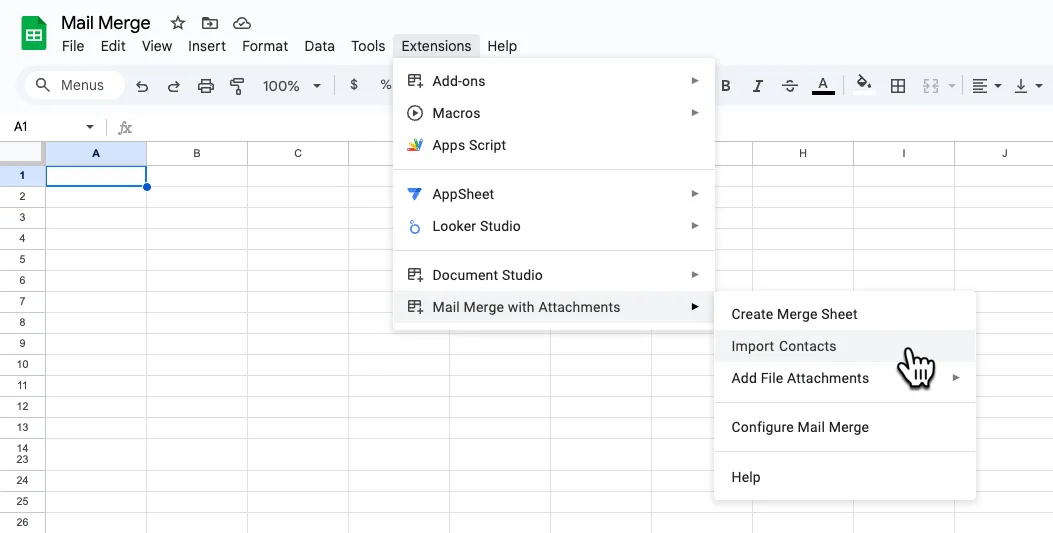
Section titled “Import Excel in Google Sheet”Go to your Google sheet and choose Import Contacts from the Extensions -> Mail Merge with Attachments menu as shown in the screenshot.
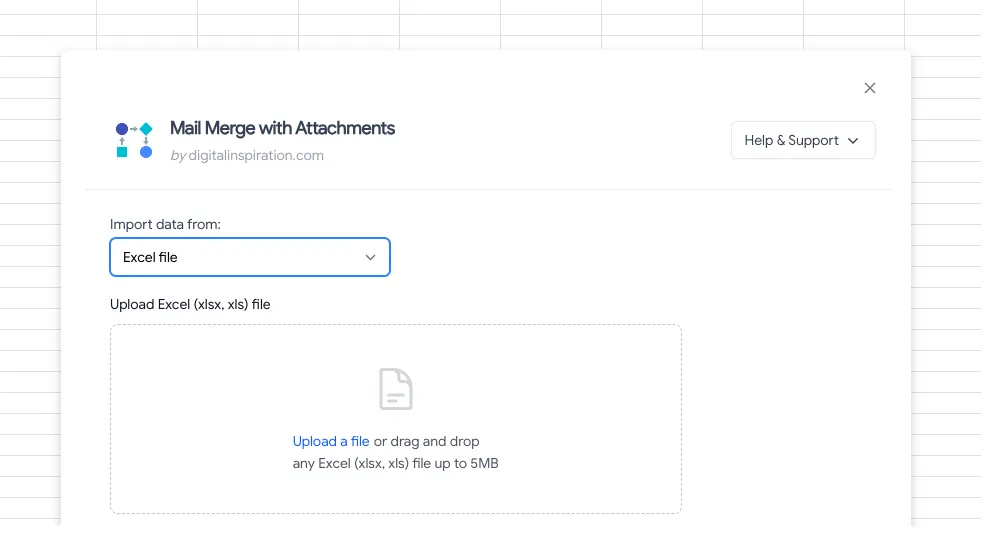
Choose Excel file from the list of services. Now click the Upload button any upload a valid Excel file to Google Sheets.