How to Create Email Templates in HTML for Mail Merge
Advanced users can code their email newsletters in HTML and CSS and use them as templates for Mail Merge.
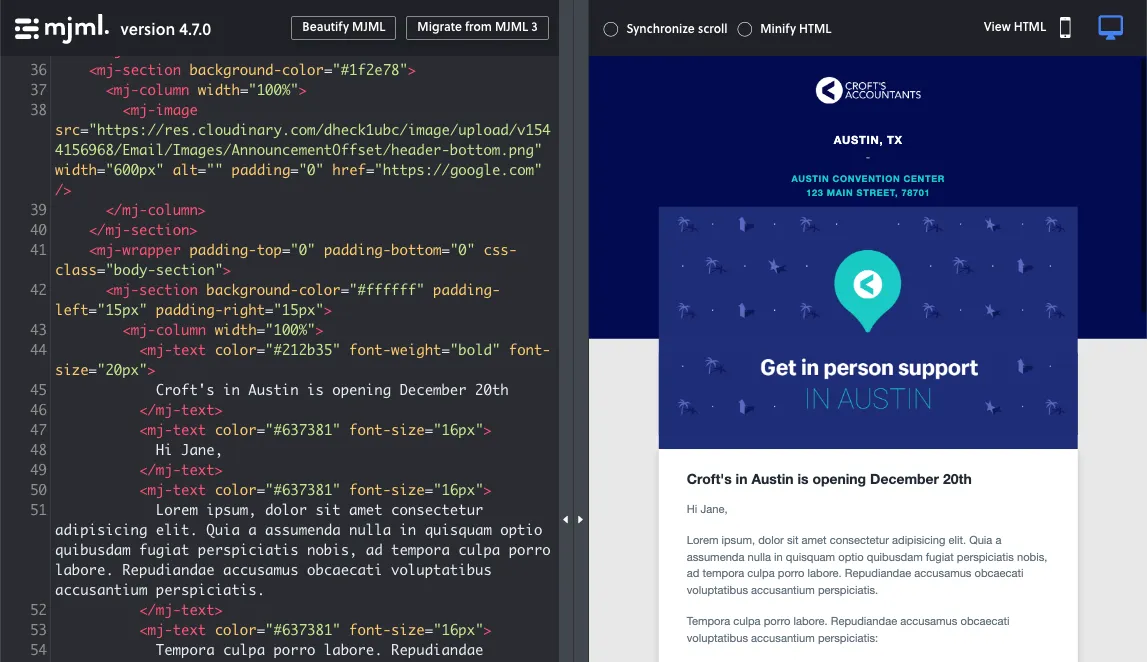
The mjml tool can be used for creating responsive HTML emails that are accessible and look good on both desktop and mobile screens.
Alternatively, you can use the built-in design editor of Mailchimp, or any online email editor, to create your own custom designs and export them in HTML format.
Next, upload the HTML file exported by the email tool into Juice to inline all CSS styles.
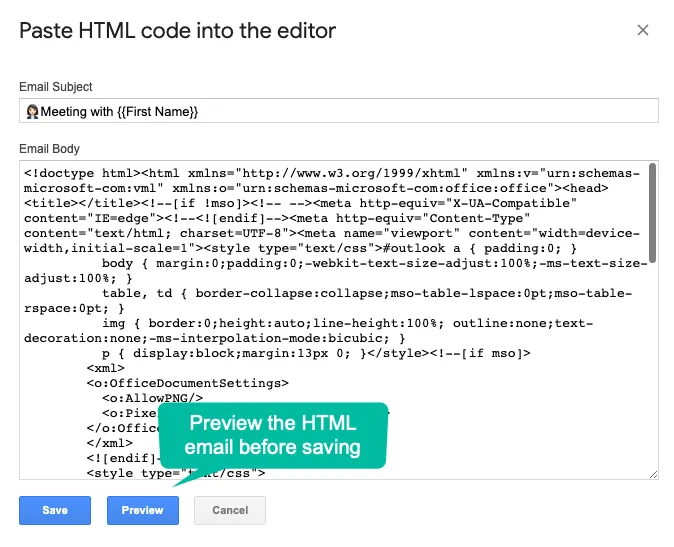
Next, inside the Mail Merge sidebar, choose the Code your own HTML option and paste the inline HTML into the text field. Both the subject line and email body of your HTML email can include variable fields.