
How to Manage Notifications for Google Forms
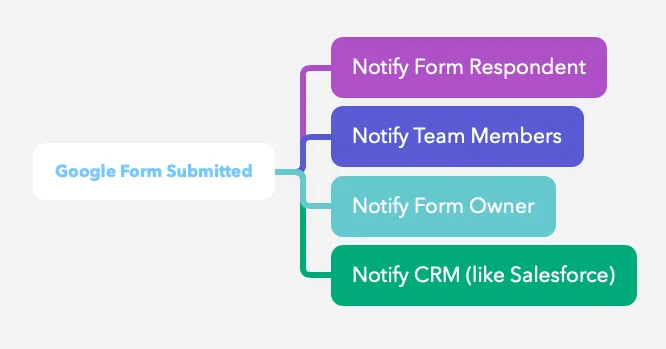
With the Form Notifications add-on, you can send notifications to form respondents or your team members whenever you receive a new form submission.
Manage Form Notifications
Section titled “Manage Form Notifications”Once the workflows have been defined, you can easily edit your notification settings later to update the list of recipients, change the email template and more.
To access your existing workflow, launch the add-on in the current Google Form. You’ll see a list of all the notifications that have been created for the form. Click the Action button to reveal the dropdown, containing all the actions that can be performed on the workflows.
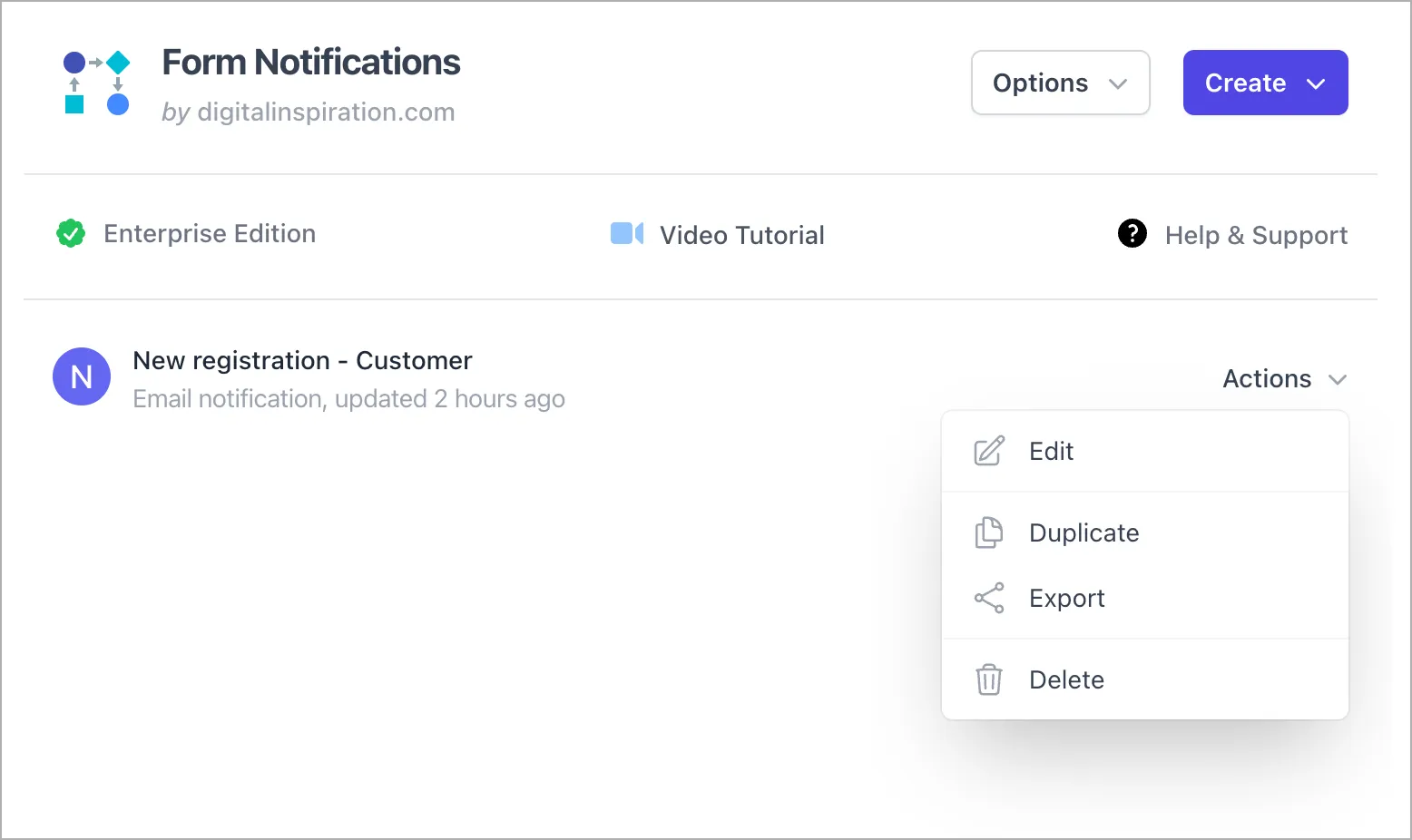
For each available workflow, you can:
- Edit the workflow (change the list of email recipients, use a different sender’s email, update the email template and more)
- Duplicate the workflow (the existing rule’s configuration and email template is copied in the new rule)
- Delete the workflow (you cannot recover a deleted rule later)