
Select Message Fields for Extracting Email Addresses
Once you have specified the search conditions, click Continue to move to the Configuration section.
In this section, you have message fields which you can select to extract email addresses from. You can check any or all of the message fields to pull email addresses from the corresponding fields. The Email Extractor add-on will parse only those message fields that have been selected in this section.
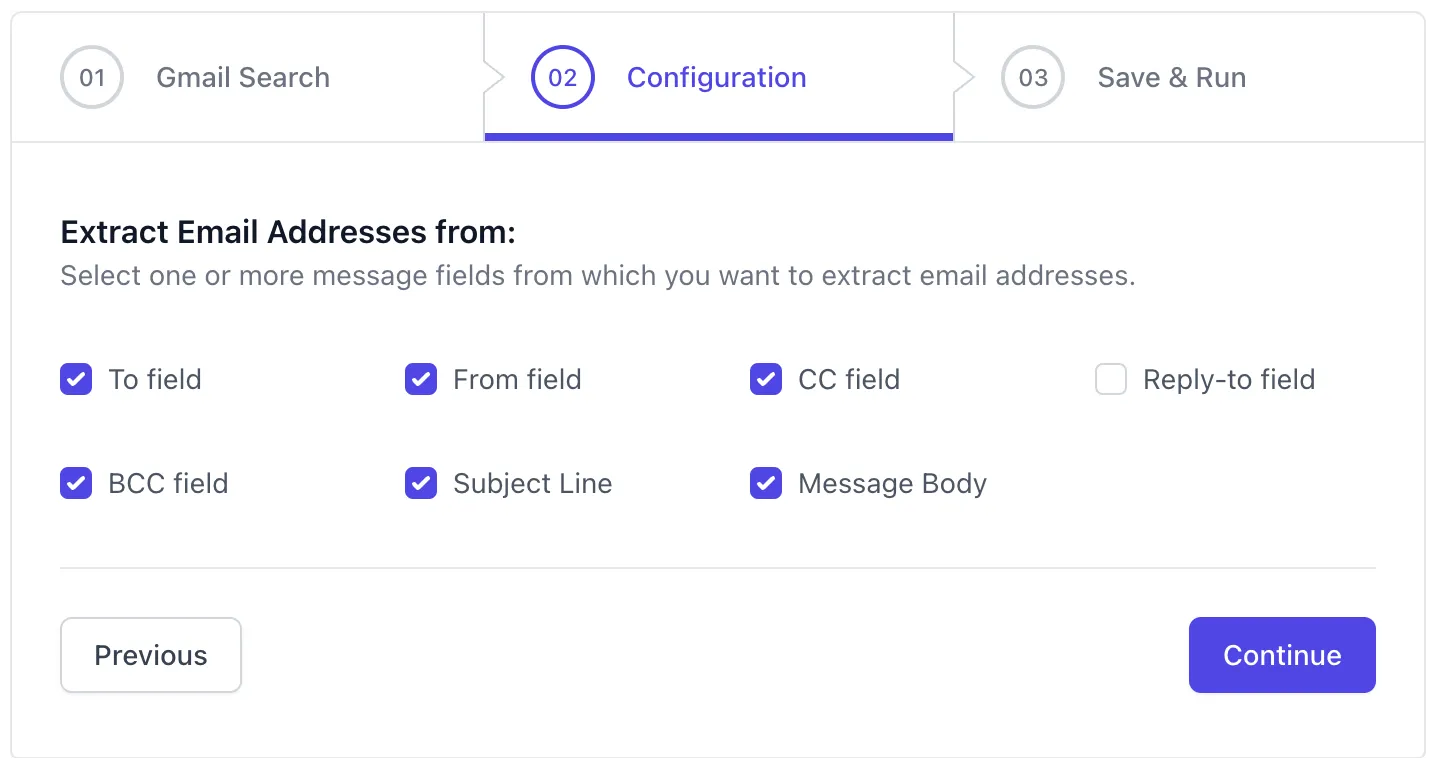
The various message fields available include:
| Message Field | Field Description |
|---|---|
| To | Email addresses of primary recipients |
| From | Email address of the sender |
| CC | Email addresses of recipients copied in the Email Message |
| BCC | Email addresses hidden recipients |
| Reply-to | Address used for replies, distinct from the sender’s email |
| Subject Line | Email addresses contained in the subject of the email |
| Message Body | Email addresses contained in the main content of the email |
Please note that the add-on only collects email addresses from the selected message fields. It doesn’t pull any other information during the email processing.
Click Continue to move to the next section.